
Open Wallet
5 min
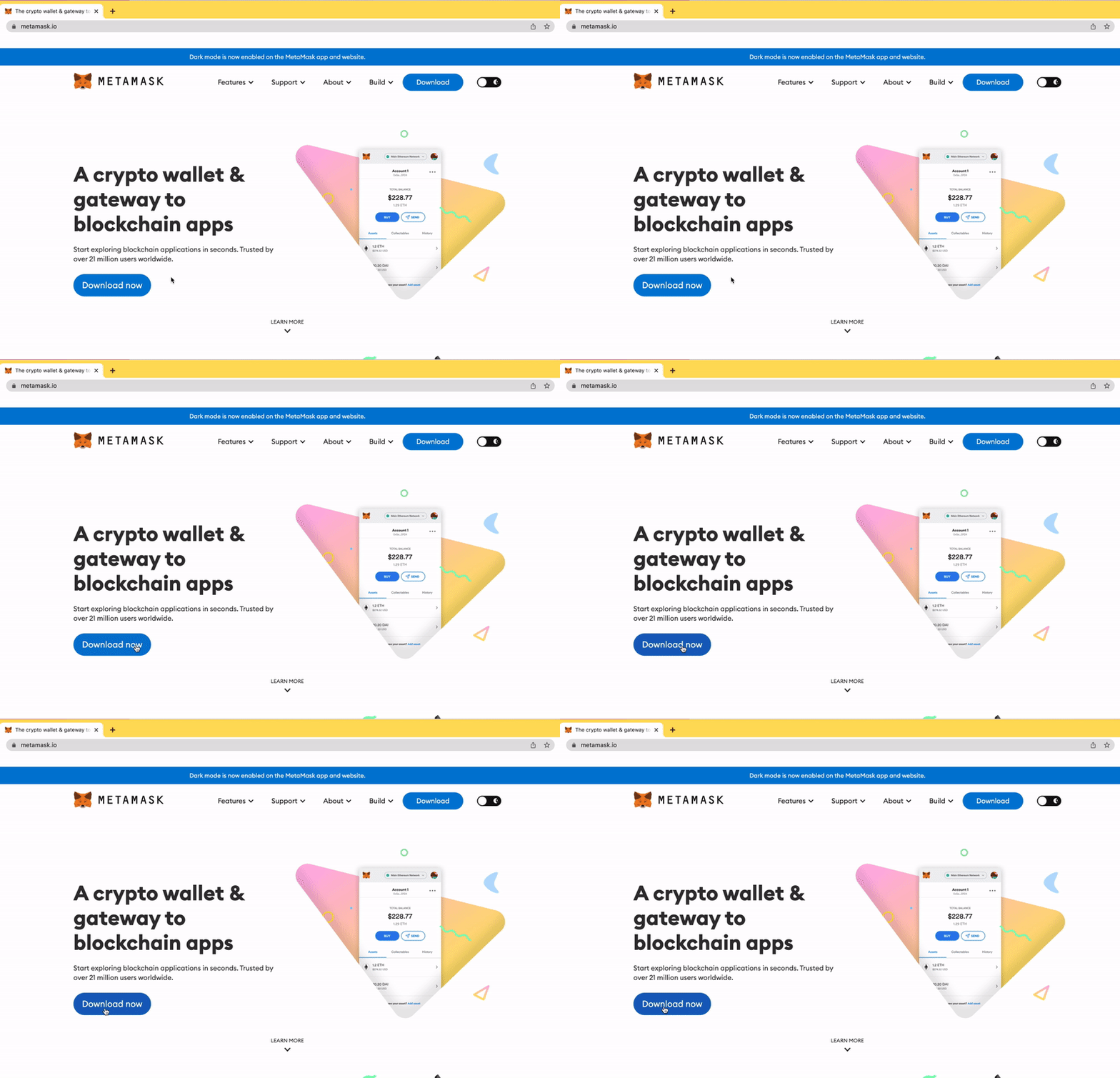
Visit Metamask.io and Click Download Now.
(For security purposes, we highly recommend setting up your wallet on a desktop computer instead of a mobile device.)
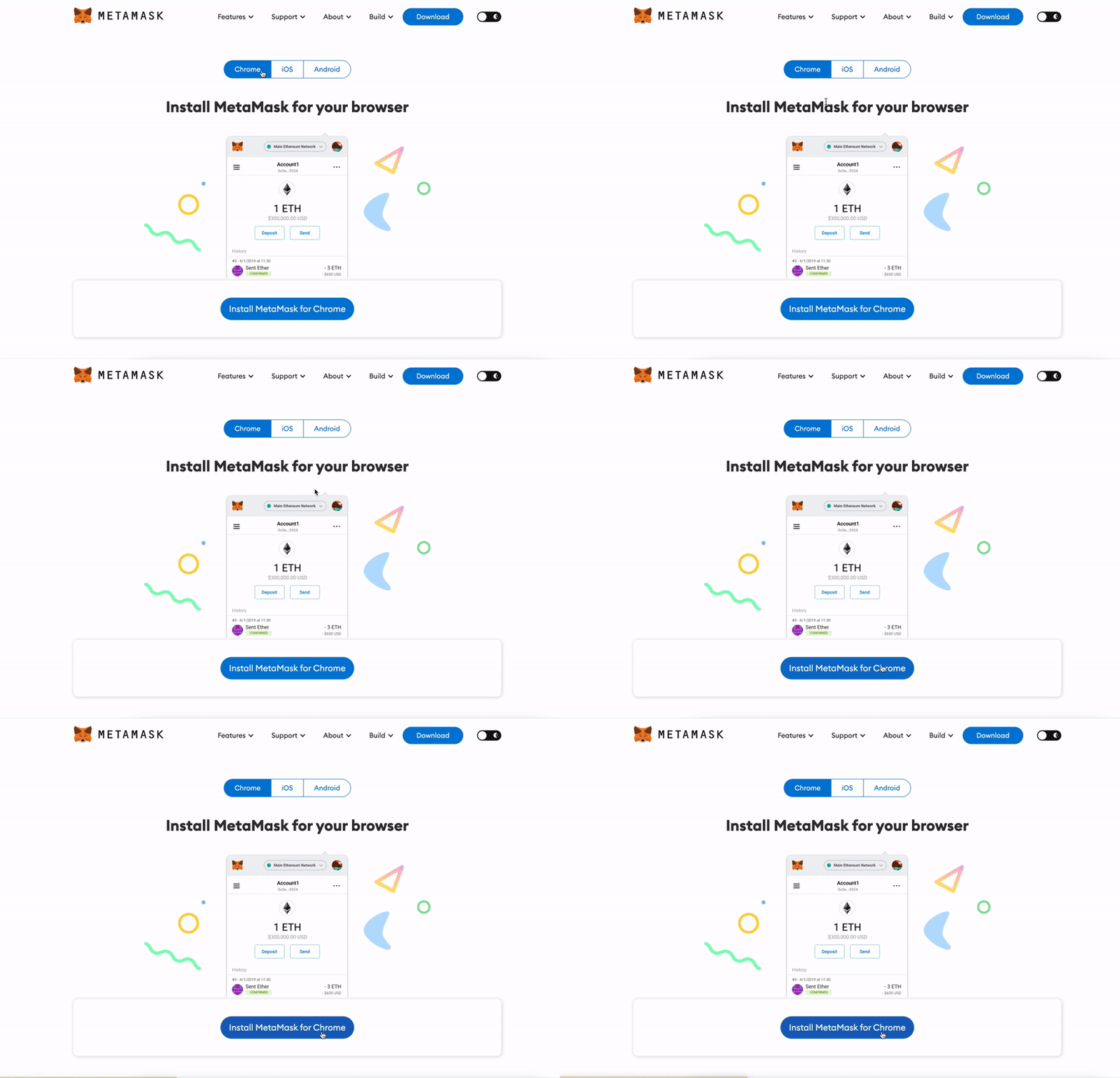
At top, select the platform/browser that’s right for you (Chrome vs. iOS vs. Android), then click “Install MetaMask”, which will open up the app store.
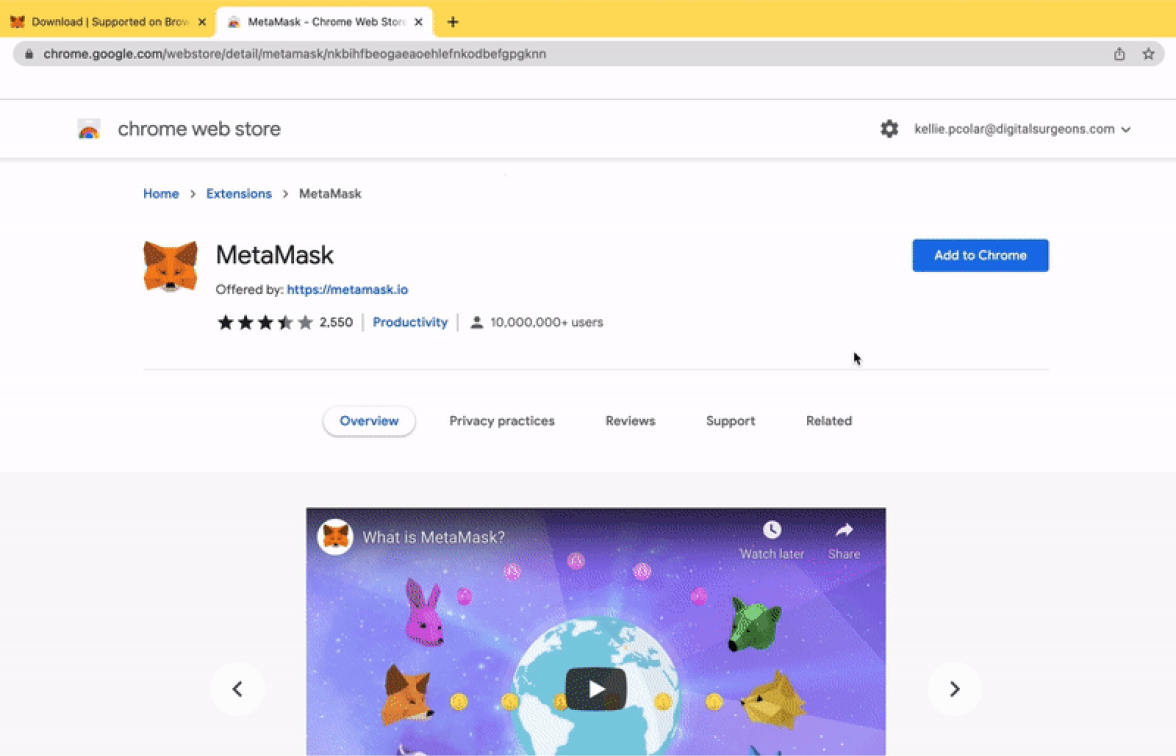
Hit “Add to Chrome”
Hit “Add extension” in the pop-up
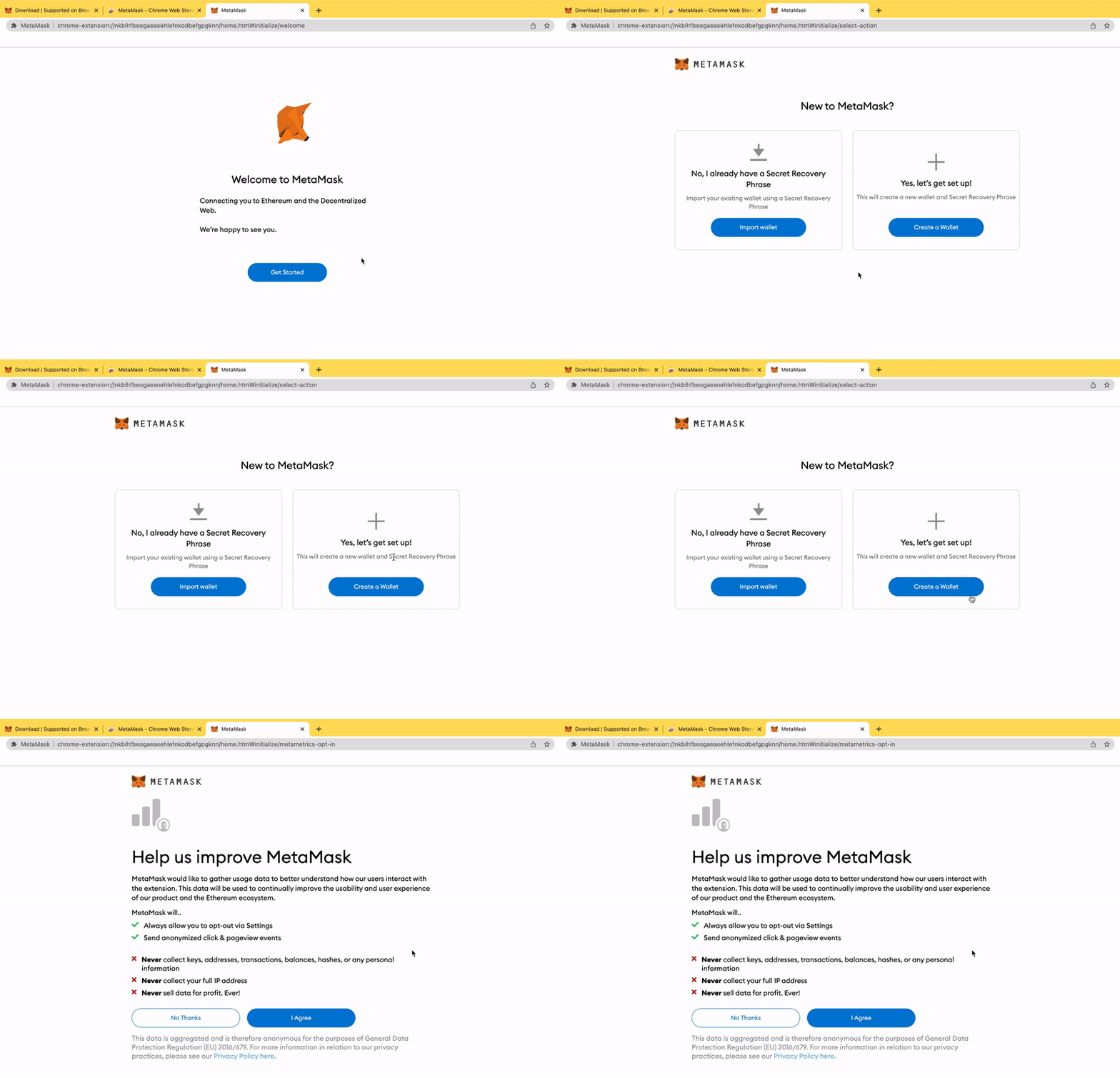
Hit “Get Started”
Hit “Create a Wallet”
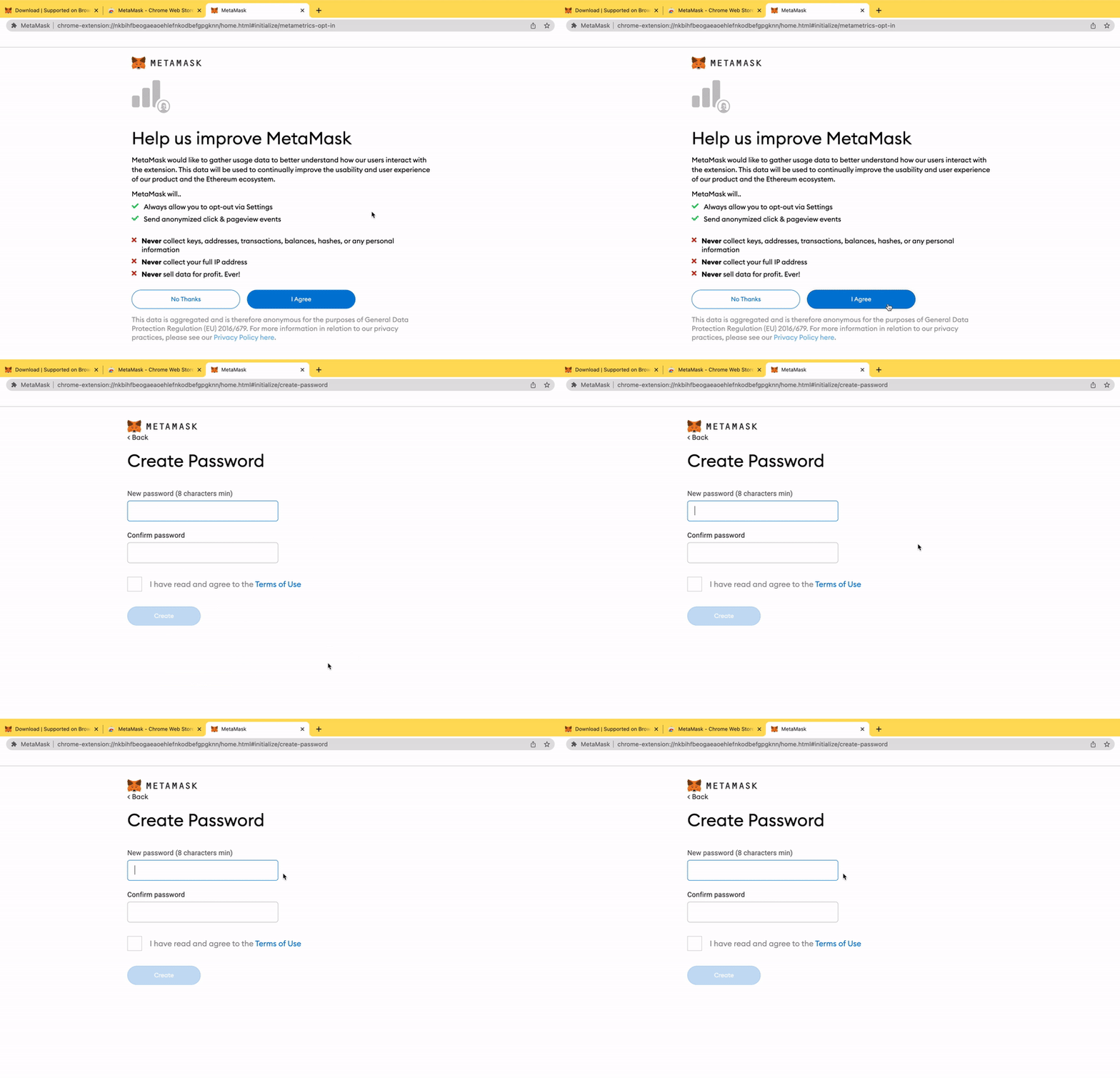
Agree to terms
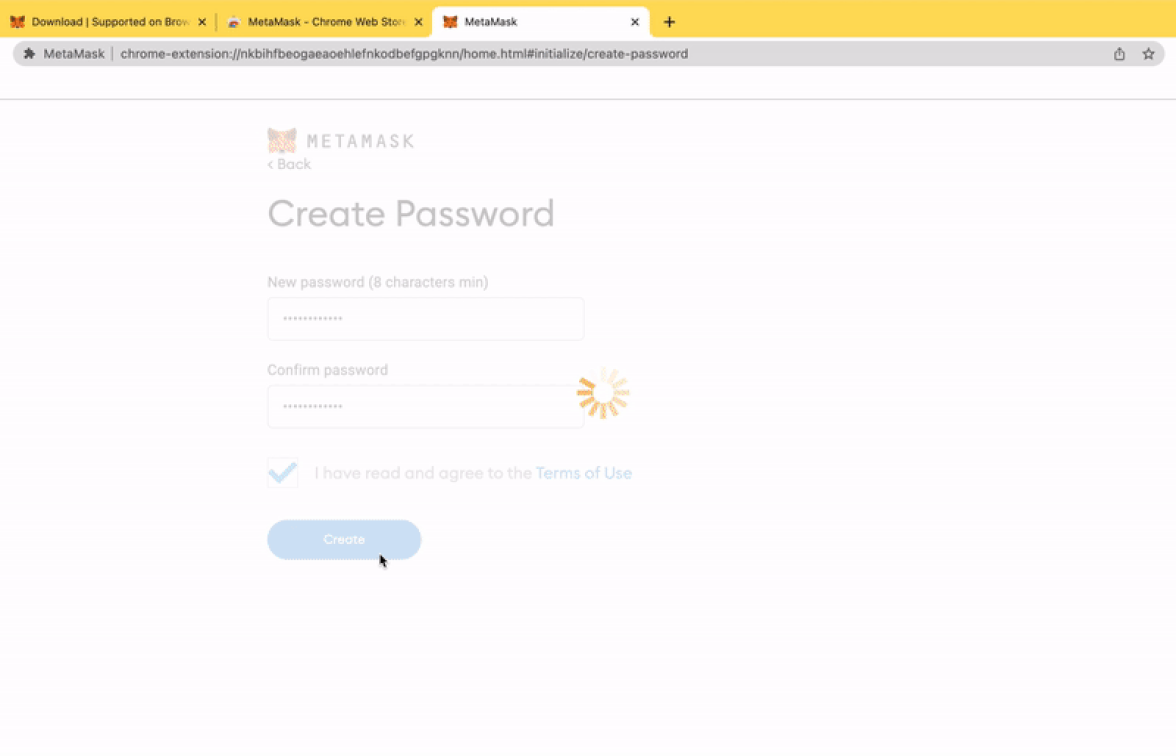
Create a password
Watch the educational video
Hit “Next”
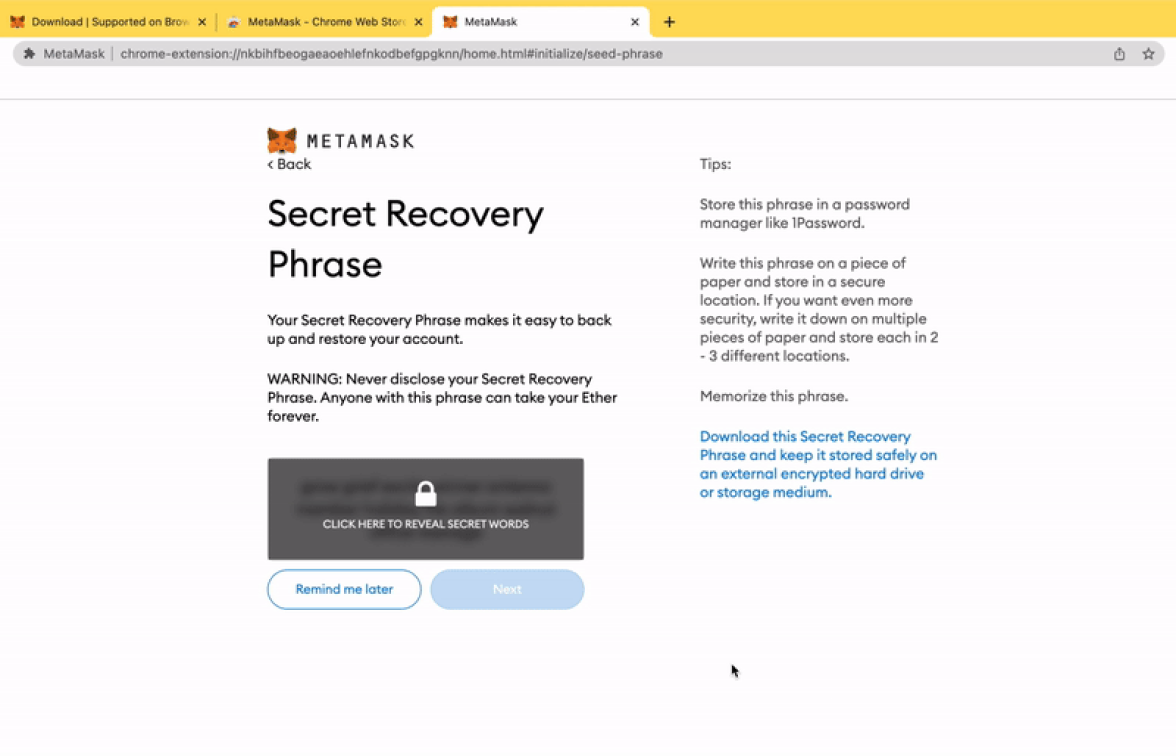
View and write down your seed phrase, Hit “Next”
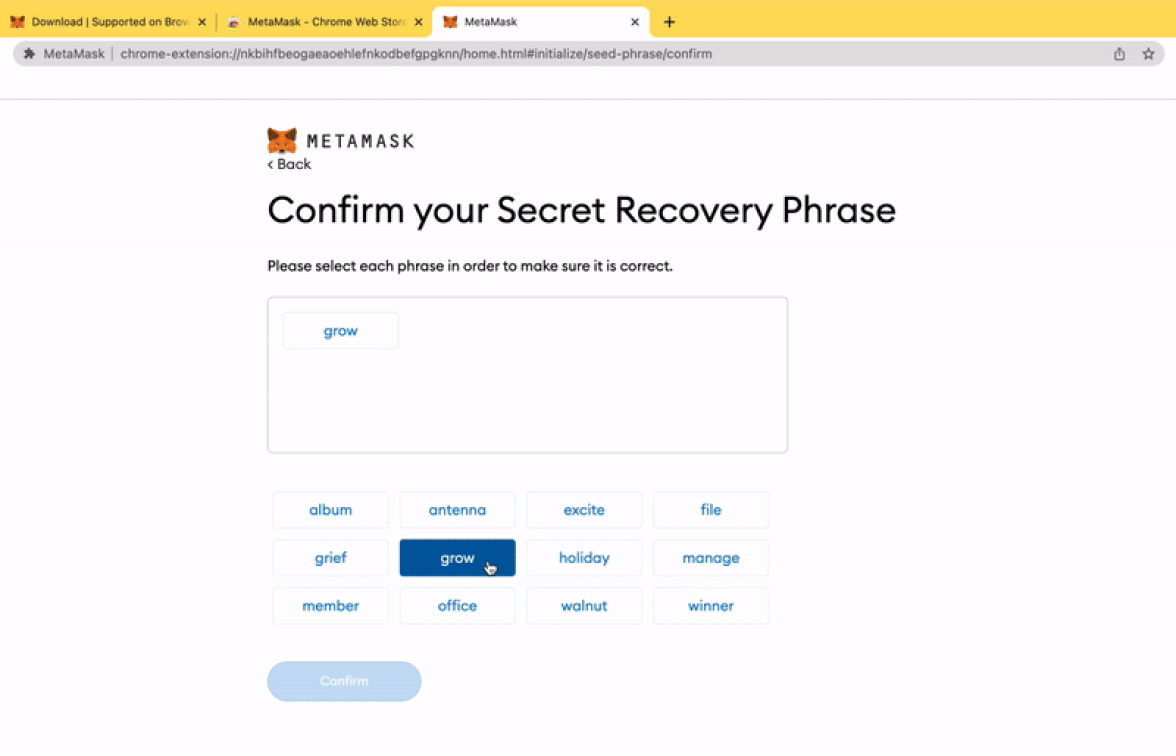
Input seedphrase
Confirm
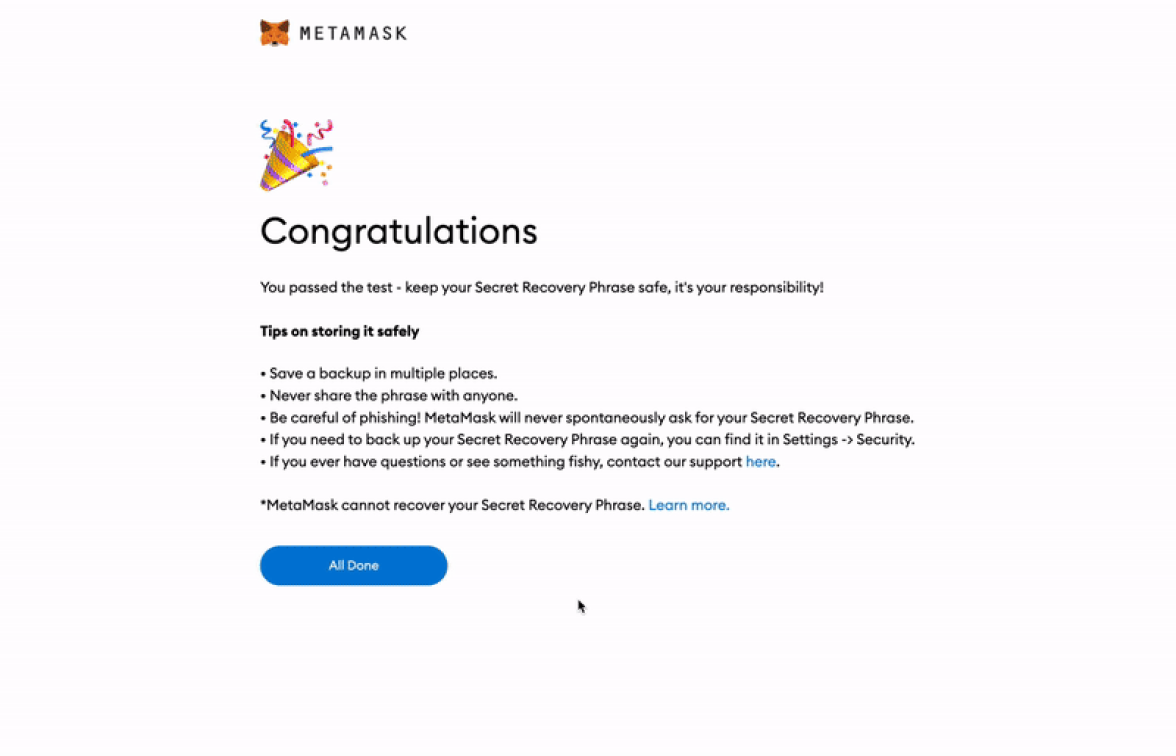
Read tips + Hit “All done”. You are now viewing the interior of your MetaMask wallet.
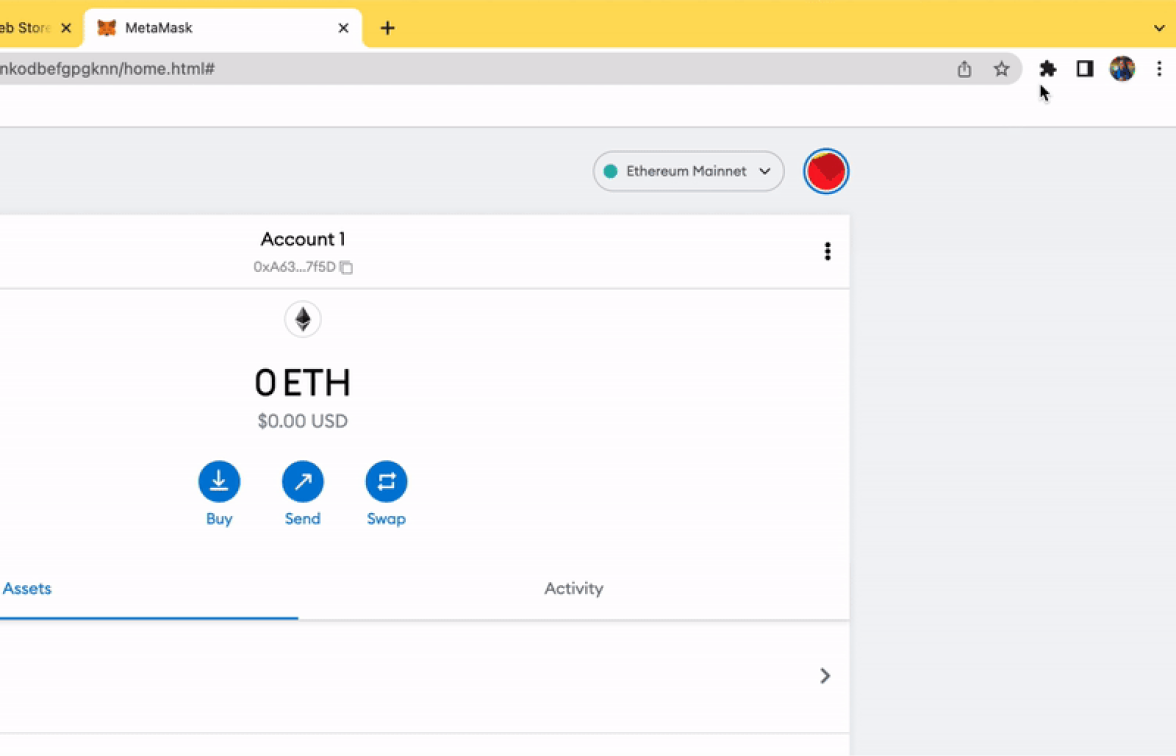
Pin plugin
Click on the icon to view the quickview of your wallet


